How Lightfield meeting recording works and troubleshooting
Last updated: April 7, 2026
Lightfield automatically records meetings with external participants, but there are specific conditions that determine when recordings occur and some common issues you might encounter.
When does Lightfield record meetings?
Lightfield only records meetings that include external participants. Internal meetings (where all participants are from your organization's domains) are not recorded automatically.
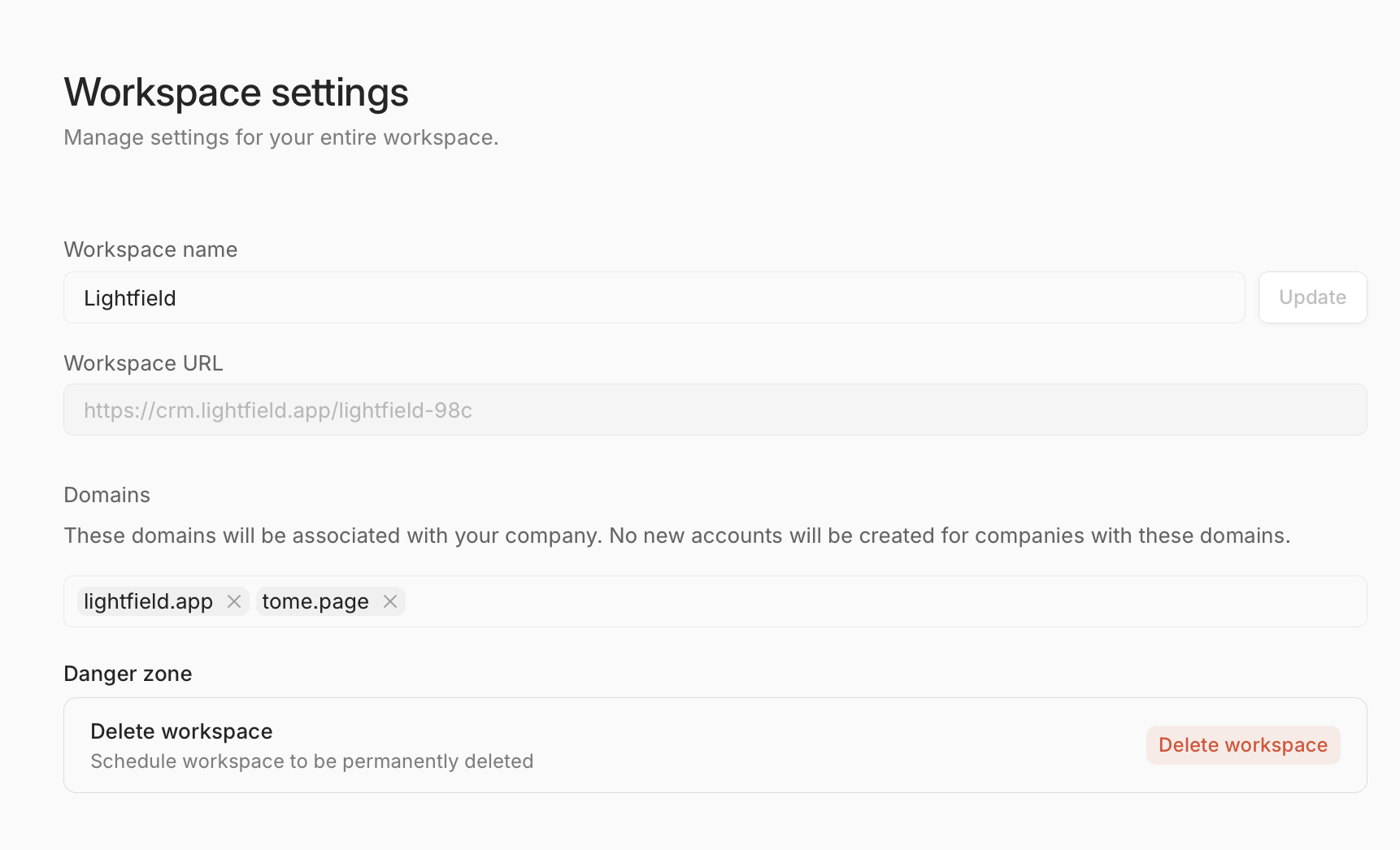
Lightfield uses the domains listed in your admin Settings to identify internal vs external participants. Any meeting where all attendees have email addresses from these configured domains will be considered internal and won't be recorded.
Common recording issues and troubleshooting
Bot not joining meetings
If you notice that the Lightfield bot isn't joining your meetings even when external participants are present, check the following:
Verify that the meeting has a video conferencing link (Zoom, Google Meet, etc.)
Ensure the meeting is scheduled properly in your calendar
Confirm that recording settings are enabled for the user
Check if the meeting actually includes external participants based on your configured domains
In-person or meetings without video links
Lightfield cannot record meetings that don't have video conferencing links, such as in-person meetings or phone calls without a digital meeting room.
Audio export and quality
While Lightfield stores the original audio from recorded meetings, there isn't currently an easy way to export the raw audio files. If you need access to original audio recordings for specific use cases, contact support for assistance.
If you notice transcription quality issues or speaker attribution problems, these are actively being addressed through improvements to the transcription service.